Rich Results: The Complete Guide to Google's Rich Snippets
Rich Results are the visual enhancements in Google's search results — stars, prices, FAQ dropdowns and more. Learn exactly which schema types trigger them and how to implement them correctly.
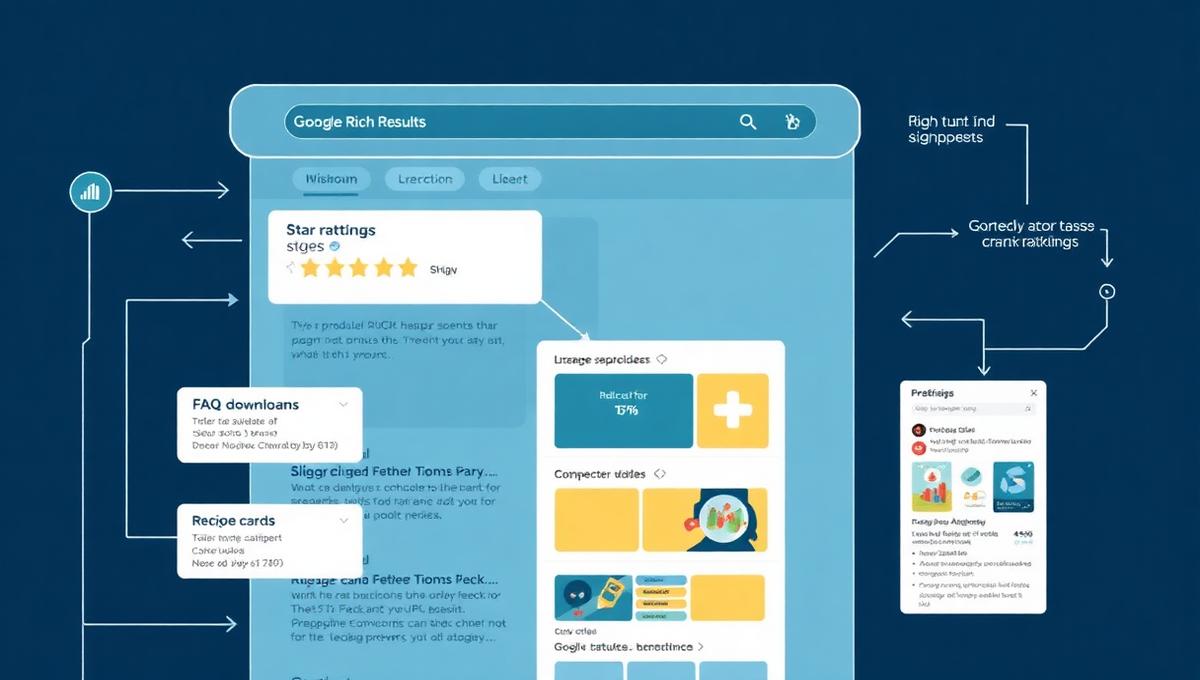
Have you ever seen star ratings, prices, FAQ answers or recipe times directly in Google's search results? Those are Rich Results — and they're powered by schema markup. Rich Results give your website a significant visual advantage in search results and can increase your click-through rate (CTR) by up to 30%. In this guide, we cover everything you need to know.
Rich Results aren't just pretty — they're measurable. Websites with correct schema markup experience on average 20-30% higher CTR compared to standard blue links.
What are Rich Results?
Rich Results (formerly called "Rich Snippets") are enhanced search results in Google that display extra information beyond the standard blue title and meta description. They're triggered by structured data — specifically JSON-LD markup based on the schema.org vocabulary.
Google uses structured data to understand the content on your pages and can then display it in a visually rich format. This can be anything from star ratings and prices to FAQ accordions, recipe cards and event dates.
The most important types of Rich Results
FAQ Rich Results
FAQPageShows questions and answers as expandable dropdowns directly in search results. Ideal for knowledge pages and support content.
Product Rich Results
Product + OfferShows price, availability, reviews and ratings for products. Critical for e-commerce.
Review/Rating Rich Results
AggregateRatingShows star ratings (1-5 stars) with review count. Significantly increases trust and CTR.
Recipe Rich Results
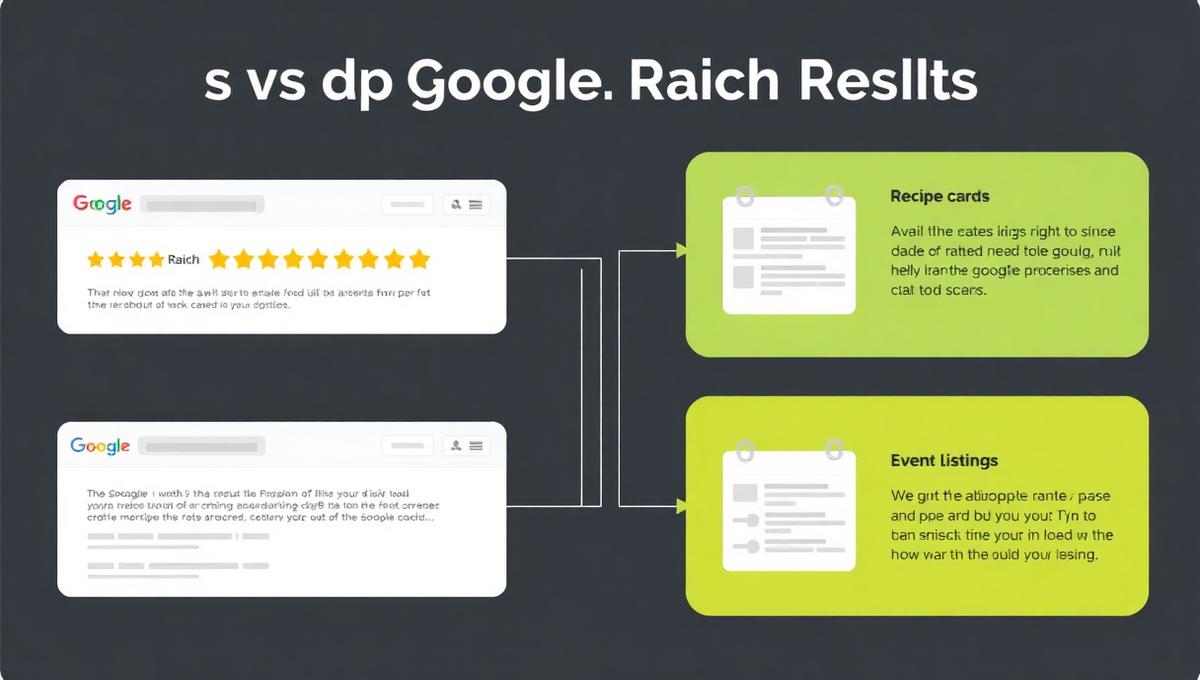
RecipeShows preparation time, calories, images and ratings for recipes in a visual card.
Event Rich Results
EventShows date, location and price for events directly in search results.
How-To Rich Results
HowToShows step-by-step instructions with images for guides and tutorials.
Article Rich Results
ArticleShows publication date, author and image for news articles and blog posts.
LocalBusiness Rich Results
LocalBusinessShows address, opening hours, phone number and reviews for local businesses.
How to qualify for Rich Results
It's not enough to just add schema markup. Google has specific requirements before your rich results are displayed:
- Correct JSON-LD — Your markup must be syntactically correct and follow the schema.org specification.
- Required fields — Each schema type has mandatory fields. Missing one means Rich Results won't display.
- Content matches markup — The markup must reflect the actual content on the page. Google penalizes "spammy" markup.
- Guidelines compliance — Google has specific guidelines for each type. For example, FAQ questions must not be used for advertising.
- Technically error-free — No warnings or errors in Google's Rich Results Test. Use our validation guide to ensure quality.
Rich Results and AI Overviews
With the launch of Google AI Overviews, structured data has become even more important. AI Overviews use schema markup to:
- Identify reliable sources for AI-generated answers
- Display product information, prices and reviews in the AI panel
- Link to authoritative pages with verified entity identity
- Prioritize content with strong E-E-A-T signals supported by structured data
Rich Results and AI Overviews are two sides of the same coin — both require high-quality schema markup and strong knowledge graph integration.
How to implement Rich Results
- 1Identify the relevant schema types for your content in our schema.org documentation
- 2Implement JSON-LD markup with all required and recommended fields
- 3Test your markup with Google's Rich Results Test
- 4Monitor performance in Google Search Console
- 5Use automated quality assurance to catch errors before Google does
Ready to get Rich Results?
AI Schema Generator analyzes your content and automatically generates the optimal schema markup for Rich Results — with full quality assurance and validation.