Schema markup & local SEO: LocalBusiness, GeoCoordinates & serviceArea
For local businesses, structured data is the key to visibility in Google Maps, local pack and AI-based local recommendations. Learn to implement it correctly.
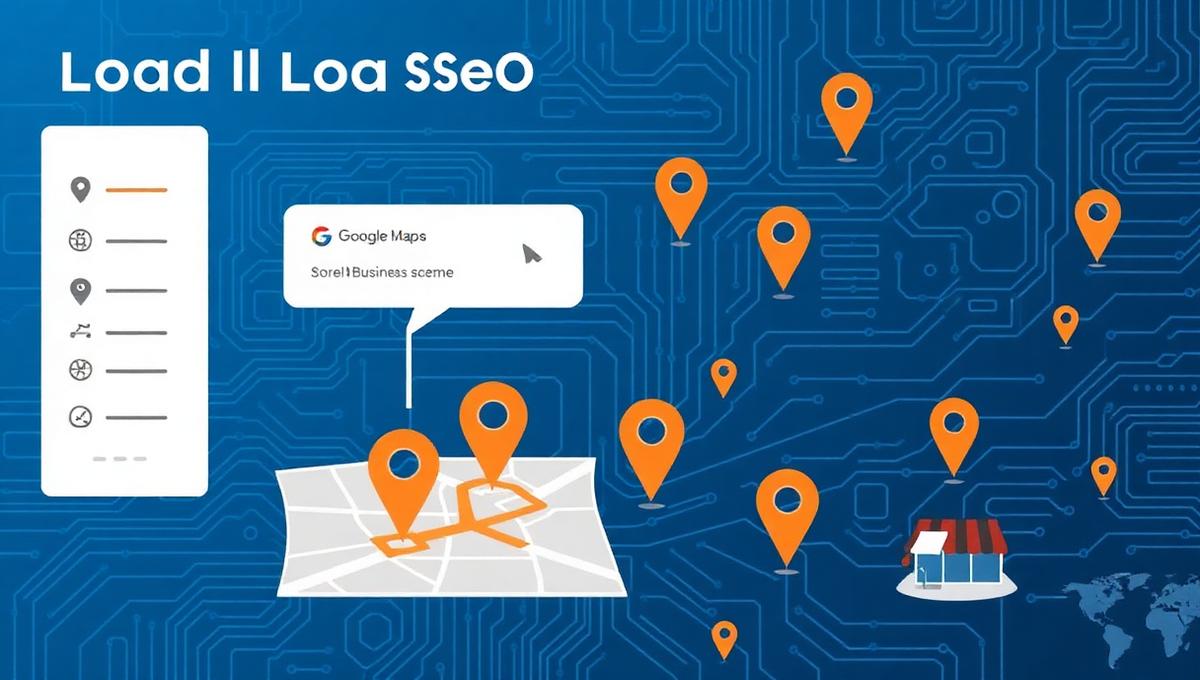
When a user searches "dentist near me" or "best restaurant in Copenhagen", Google uses schema markup to determine which businesses appear in the local pack. Without correct LocalBusiness schema, your business risks being invisible for local searches.
Local businesses with correct LocalBusiness schema have a 2.7x higher probability of appearing in Google's "local 3-pack" compared to businesses without.
Essential schema types for local SEO
LocalBusiness
The parent type for all local businesses. Defines name, address, phone, opening hours and service area. Use specific subtypes like Restaurant, Dentist, Plumber etc.
PostalAddress
Structured address format with streetAddress, addressLocality, postalCode and addressCountry. Critical for correct geographical placement.
GeoCoordinates
Precise GPS coordinates (latitude/longitude) ensuring correct placement on Google Maps.
OpeningHoursSpecification
Detailed opening hours per weekday. Google shows "Open now" or "Closing soon" based on this data.
Advanced fields that make the difference
- serviceArea — Define your service area with GeoCircle or AdministrativeArea, so Google knows how far you deliver/operate.
- priceRange — Use "$", "$$", "$$$" to indicate price level. Google shows this in local pack.
- hasMap — Link to your Google Maps location for stronger knowledge graph integration.
- sameAs — Link to your Google Business Profile, Facebook, LinkedIn and other platforms for entity verification.
- aggregateRating — Include customer reviews to trigger Rich Results with star ratings.
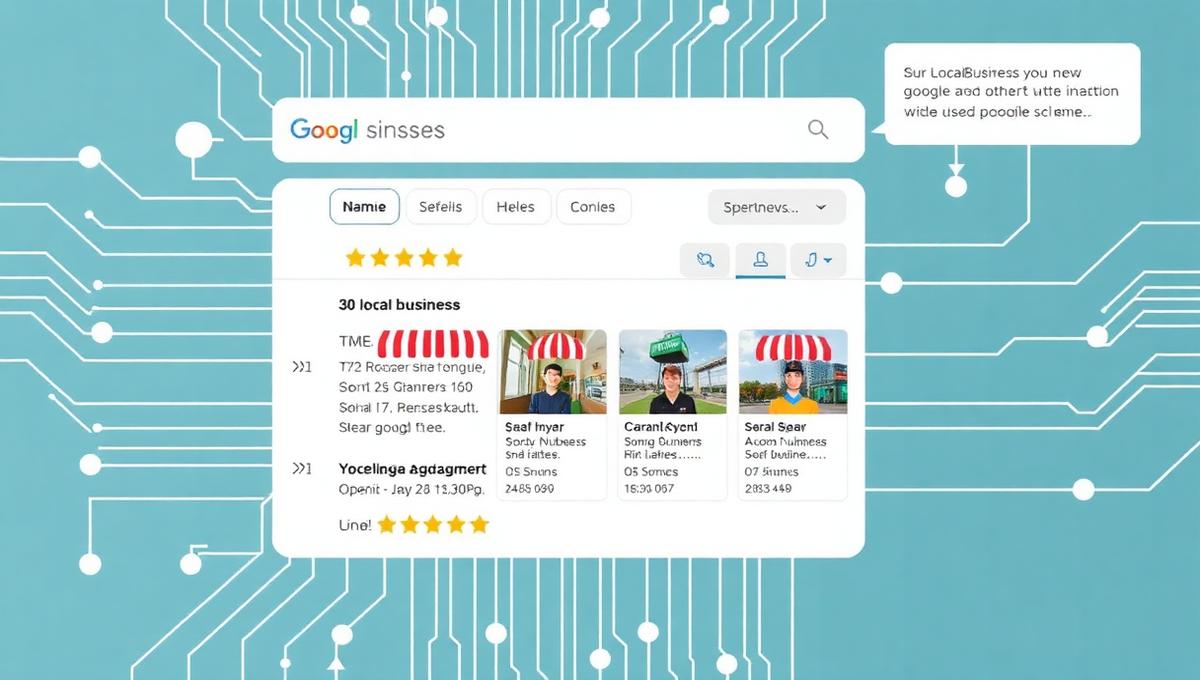
Avoid the typical mistakes
- Use specific type — Use
Restaurant,DentistorAutoRepairinstead of genericLocalBusiness. See all types in our documentation. - Consistent NAP — Name, Address and Phone must be 100% identical across schema, website and Google Business Profile.
- Updated opening hours — Wrong opening hours significantly damage trust. Use automated validation.
- Avoid type confusion — Don't use both
OrganizationandLocalBusinessfor the same entity. Choose the most specific.
Implementation
- 1Identify the most specific LocalBusiness subtype for your business
- 2Fill in all required fields: name, address, telephone, openingHours, geo
- 3Add sameAs links to Google Business Profile, social media and business registries
- 4Implement JSON-LD markup on homepage and contact page
- 5Test and validate with automated tools
Ready for local dominance?
AI Schema Generator automatically generates LocalBusiness markup tailored to your industry — with validation and monitoring.